Exhibit A
Prove pre-existing damage
Keep a clean, timestamped record of scratches, dents, chips, stains, and scuffs before work begins.
DetailProof is the car detailing photo documentation app. Guided before-and-after photos, AI-flagged damage, customer signatures, and branded PDF condition reports — before you ever touch the car.
Every detailer hears it eventually. Scattered camera-roll photos and memory are not vehicle damage documentation. DetailProof turns the walk-around into a repeatable proof workflow — every photo, finding, signature, and report stays tied to the job.
Read the damage documentation guideKeep a clean, timestamped record of scratches, dents, chips, stains, and scuffs before work begins.
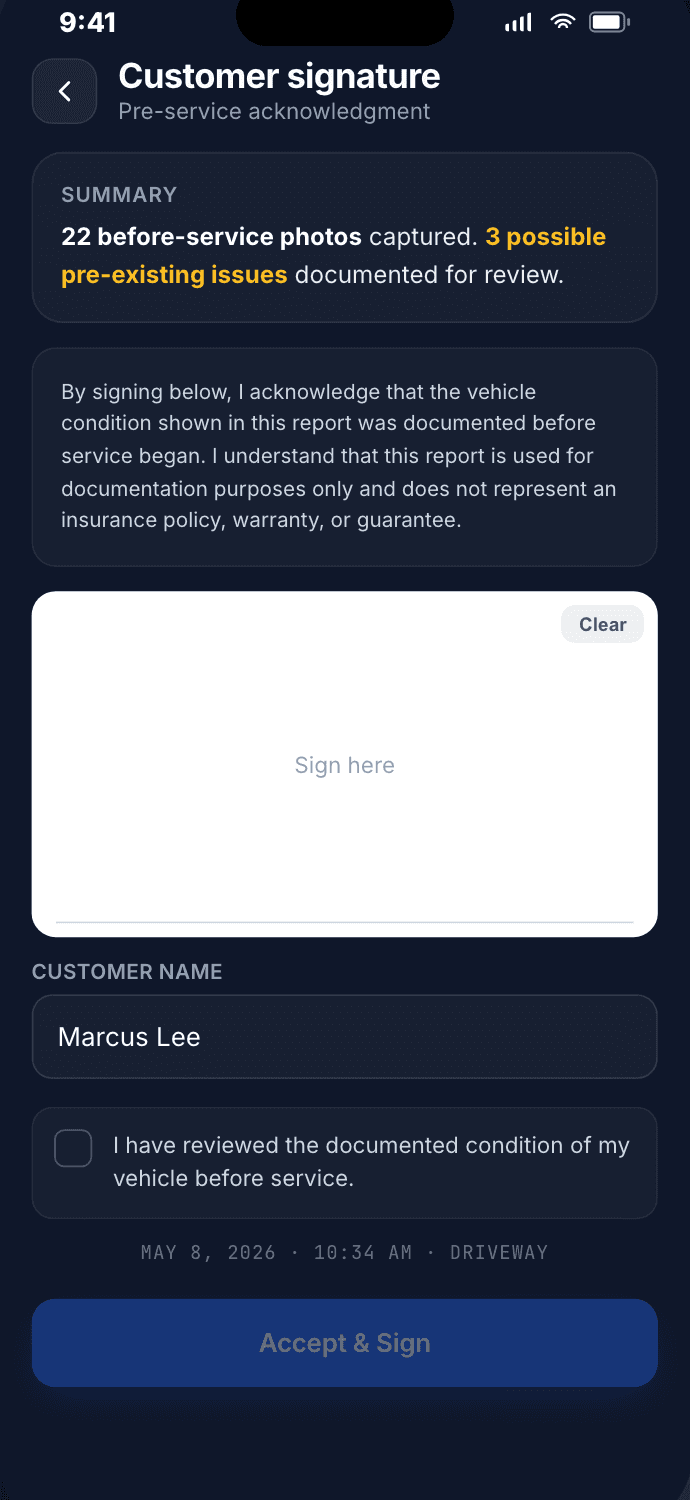
Walk customers through the vehicle condition and capture signoff on the same device.
Find jobs by customer, plate, vehicle, and report status without digging through your camera roll.
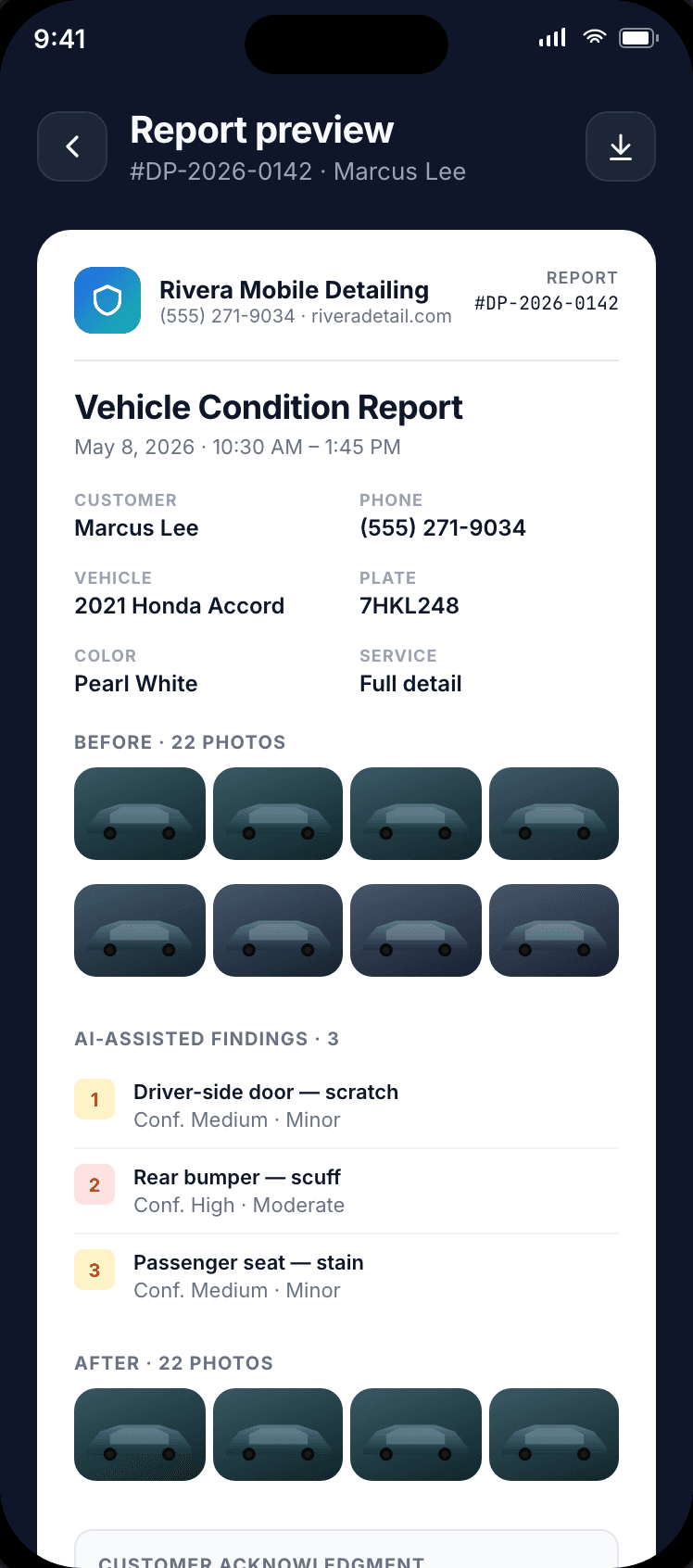
Package photos, findings, disclaimers, and signatures into one branded PDF condition report.
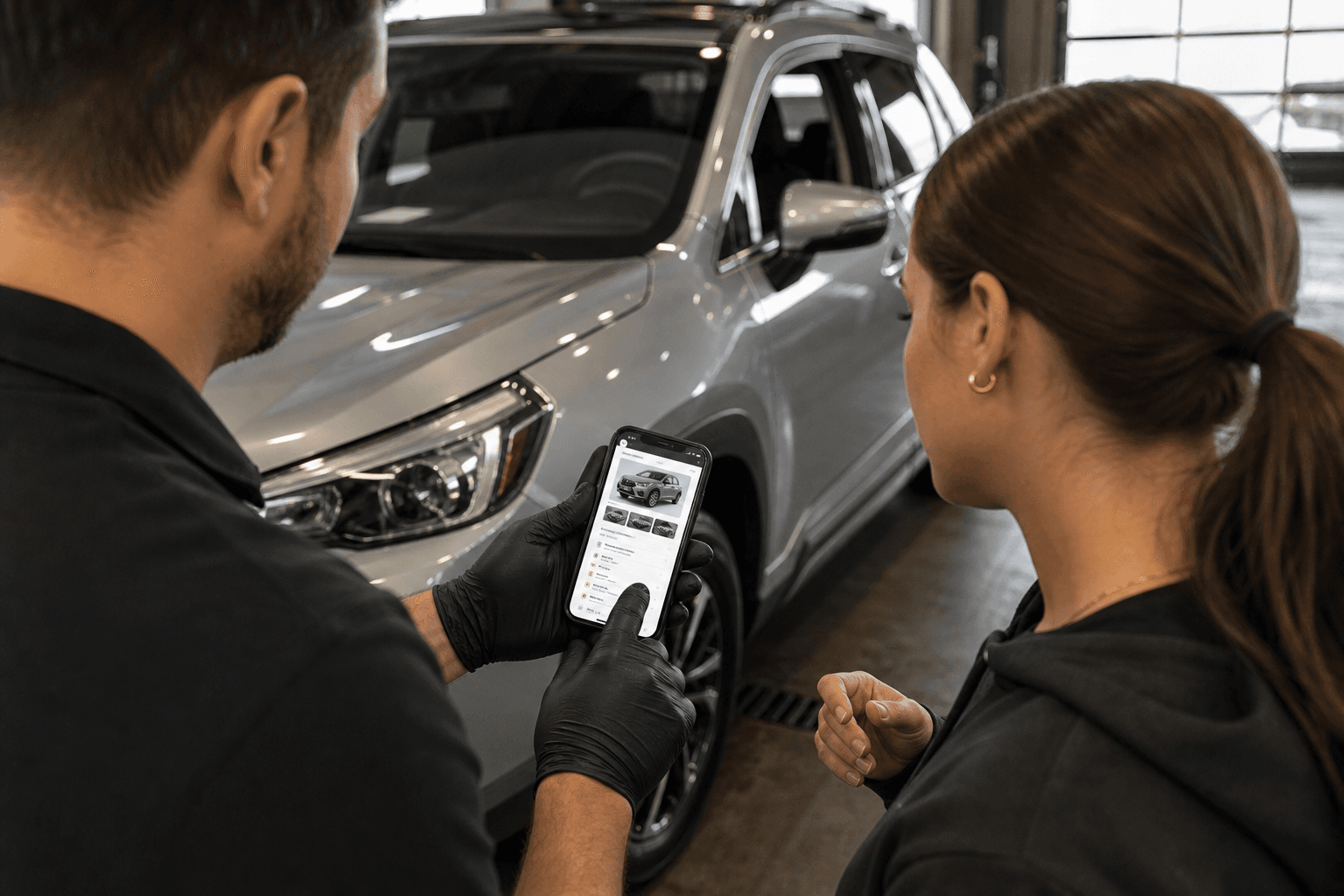
Handoff · documented
Customer-ready documentation
Give customers a clear condition record before the keys change hands.
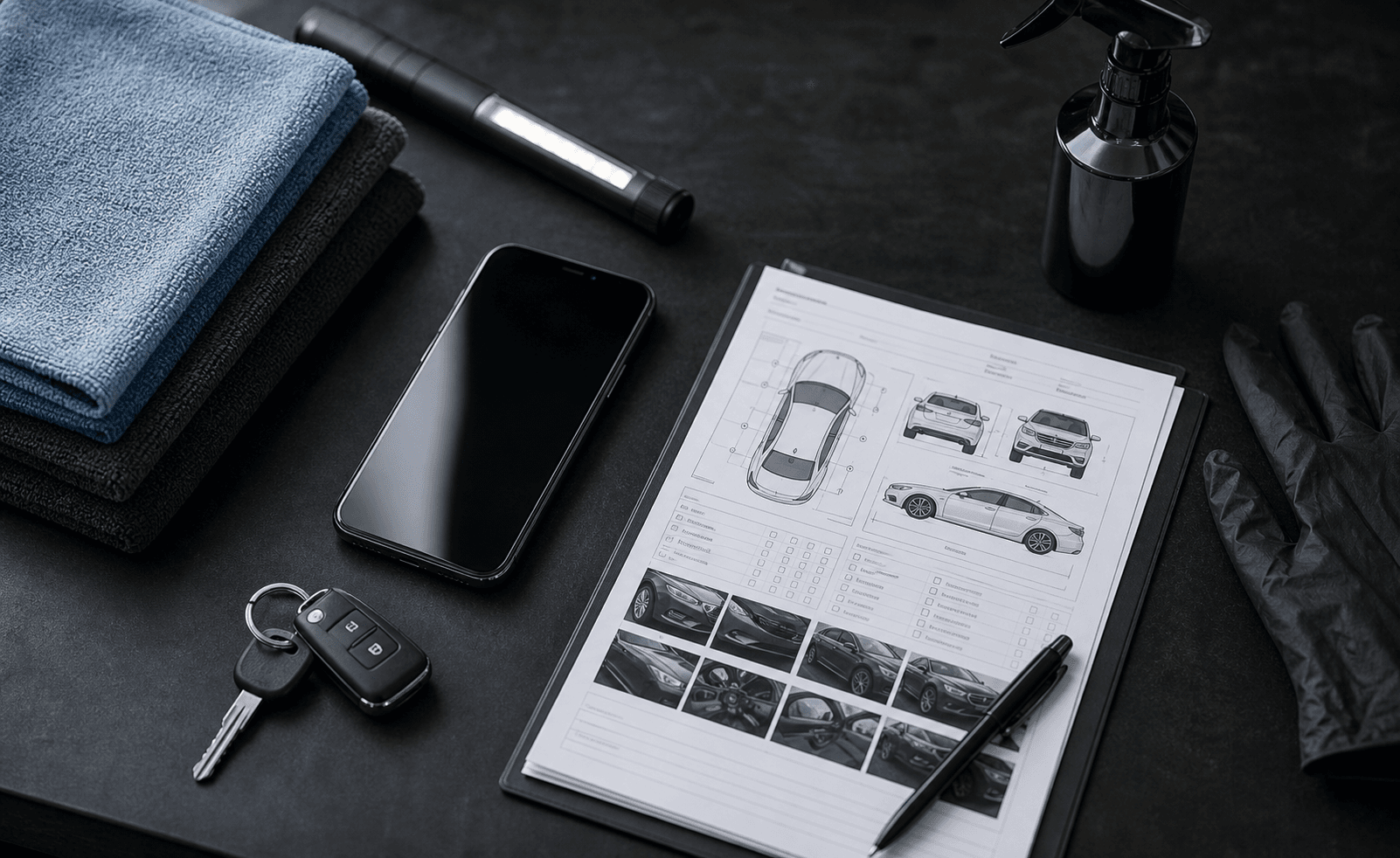
Workbench · organized
Built for the workbench
Photos, notes, findings, and reports in one repeatable system.
DetailProof keeps the workflow practical: capture the vehicle, review what matters, get signoff, and send the vehicle condition report.
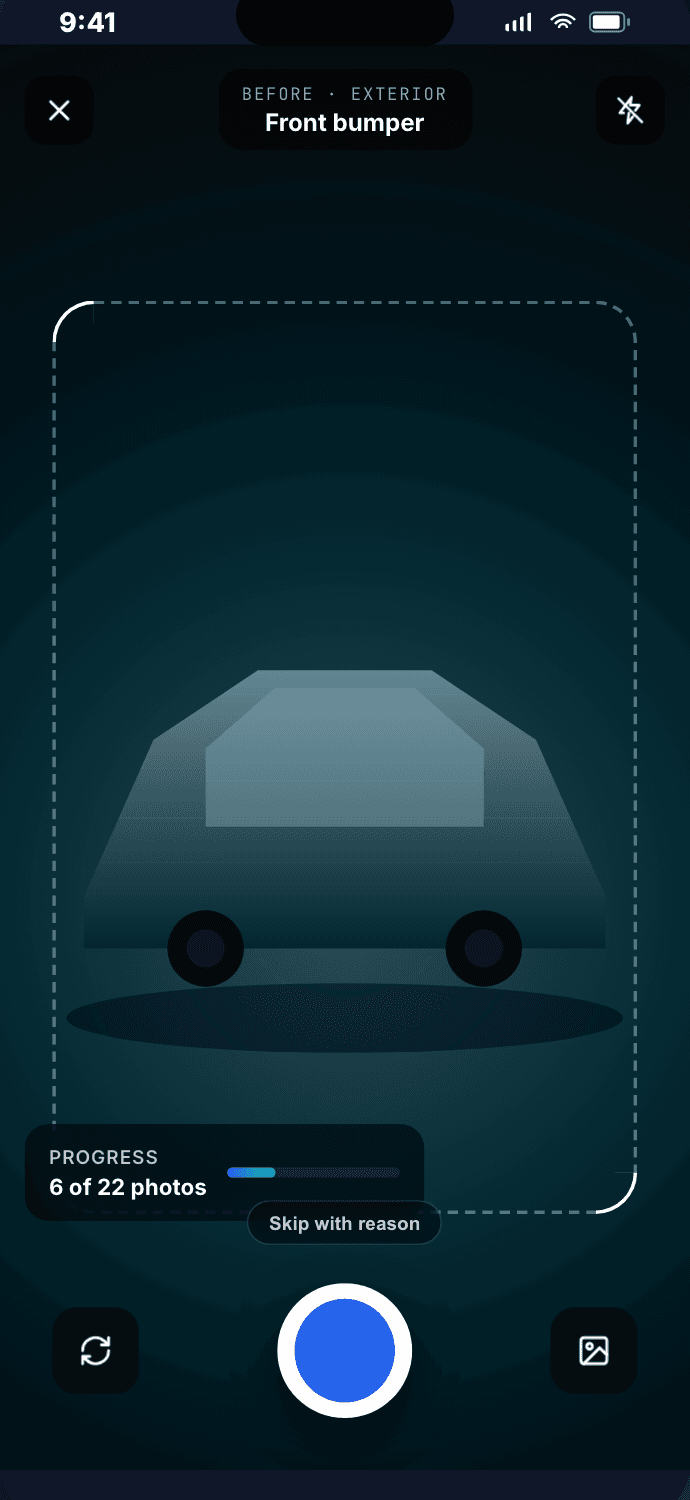
Sixteen guided photo slots walk you around the vehicle in order — front, bumpers, hood, glass, sides, roof, wheels, interior — so before and after photos line up on every job and nothing gets skipped on a busy day.
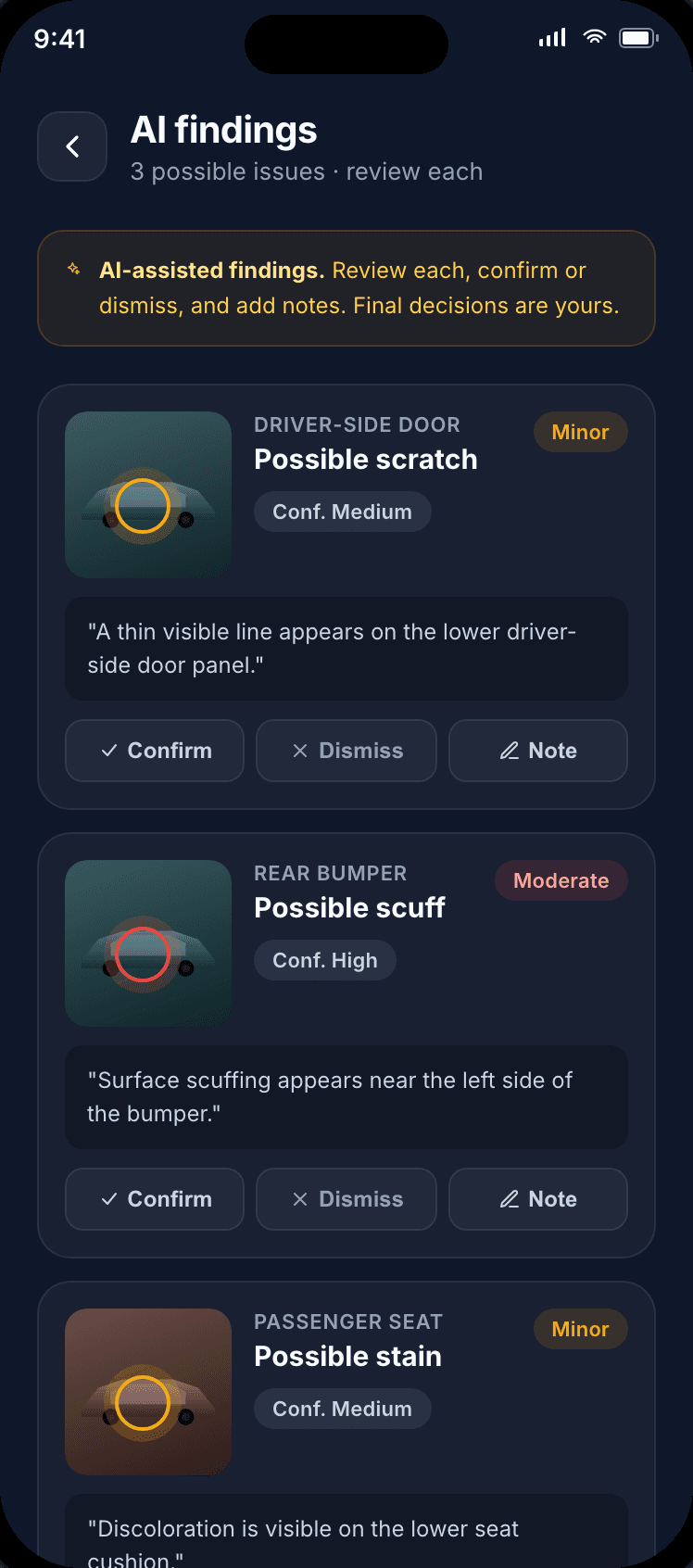
Surface possible scratches, dents, chips, stains, and scuffs. You review every finding — the AI assists, the detailer decides.
Capture timestamped customer signoff on your iPhone or iPad before the work starts.
Photos, findings, business branding, disclaimers, and the signature — packaged into one polished report.
Point the camera at a VIN or license plate and the job details fill themselves in.
Capture in parking garages and driveways with no signal. Jobs sync across devices when you're back online.
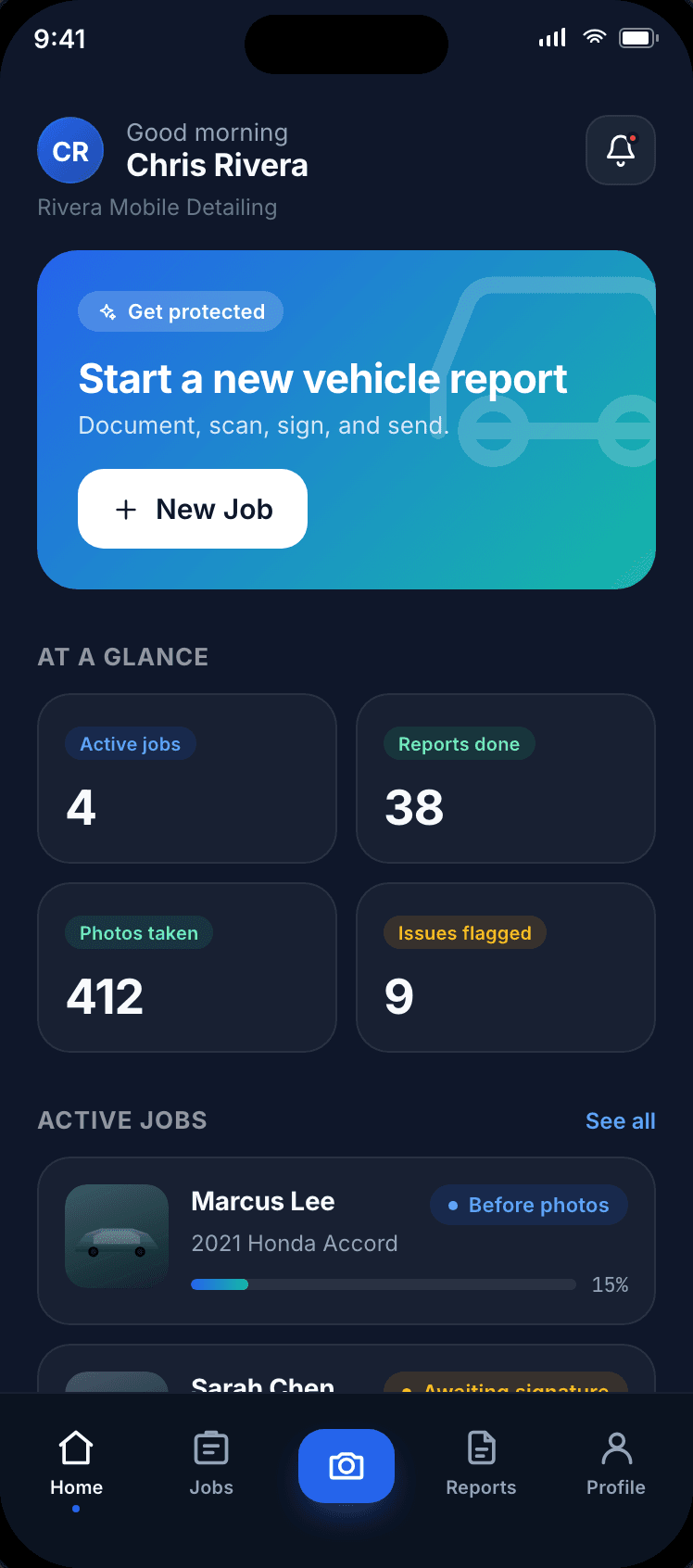
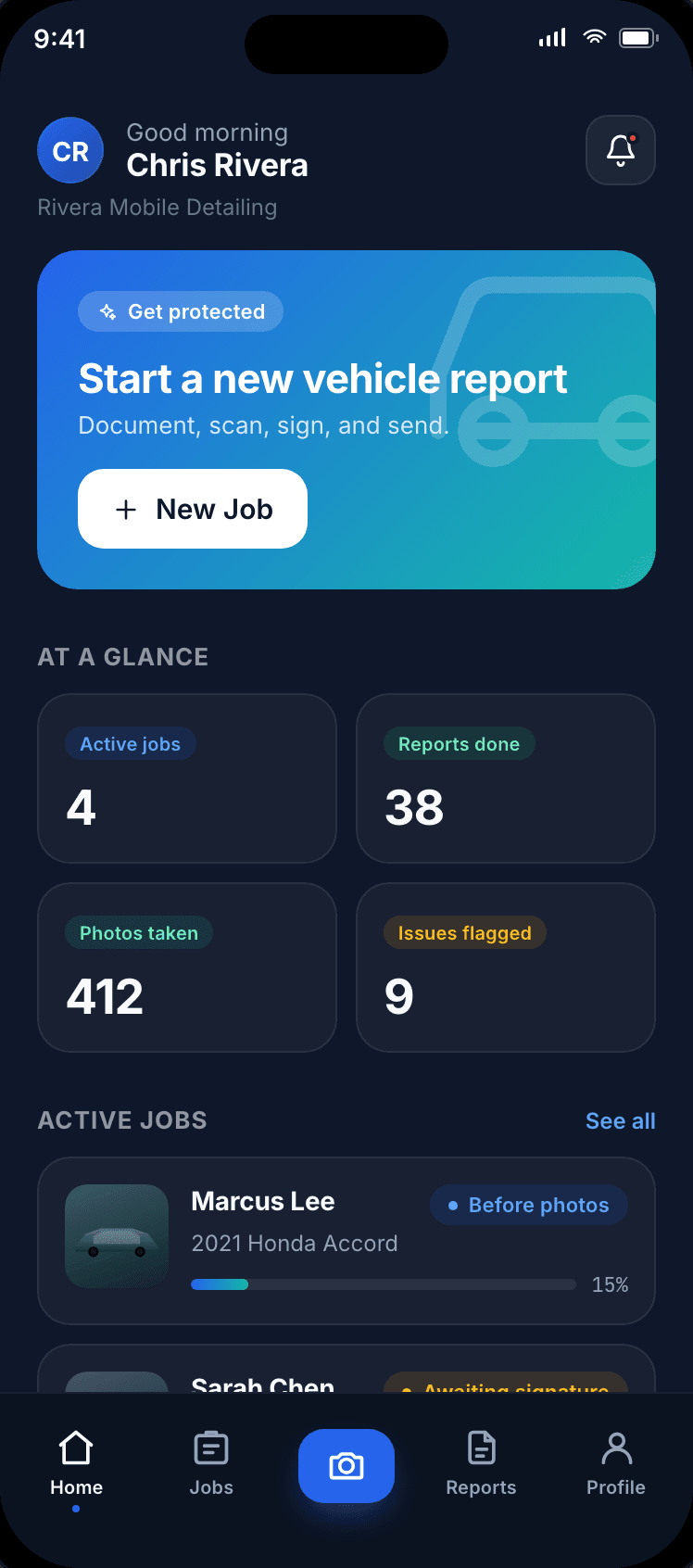
Scan the VIN or license plate, add the customer, vehicle, and service. Every photo, finding, and signature stays tied to this job record.
Follow the walk-around checklist — exterior, wheels, glass, and interior slots in the same order on every vehicle. Works fully offline.
AI flags possible scratches, dents, chips, and stains. You confirm or dismiss each one, then the customer signs the condition record on your screen.
Capture matching after photos, compare before and after side by side, and share a branded PDF vehicle condition report in minutes.
Because DetailProof captures before and after photos from the same guided angles, the app lines them up for side-by-side comparison — so the transformation is obvious and the baseline is on record. Try it: drag the divider.
Simulated panel preview
Same angle
Guided slots keep framing identical
Same order
Walk-around sequence never changes
Timestamped
Every photo carries date and time
Solo mobile detailers, ceramic coating installers, paint correction studios, multi-bay shops, and dealership recon teams all run the same play: photo proof first, then the work.
Document vehicles in driveways, parking garages, and office lots — fully offline. Capture the record before you unroll a hose, and sync it when you're back on signal.
Mobile detailing photo checklistHigh-dollar paint work deserves high-quality proof. Record swirls, etching, and prior damage before correction so the transformation — and the baseline — are undeniable.
Document damage before the jobGive every tech the same intake process. Jobs are searchable by customer, plate, and status, so a manager can answer any question without hunting through phones.
Why signatures build trustTurn high-volume walk-arounds into consistent vehicle condition reports. Before-and-after photo sets keep recon accountability clear across every unit.
See how the workflow runsEvery job exports a branded, share-ready PDF. Customers get a clear record they can keep; you get a professional handoff that sets your business apart from a camera roll and a handshake.
Vehicle condition report
Apex Auto Detailing
№ 2047
Before service
Customer
M. Lee
Vehicle
2023 Tesla Model Y
Service
Full detail + coat
Before photos · 22 captured
Marcus Lee
Customer signature · May 8, 2026 · 10:34 AM
This report documents visible vehicle condition for recordkeeping. It is not insurance, a warranty, or a guarantee. Generated with DetailProof.
Shared in one tap
Email, text, or AirDrop the PDF
Four ways DetailProof changes how you run jobs — from the first walk-around to the signed handoff.
Photo proof and signed acknowledgment give you a clear, calm record when questions come up after a job.
Branded reports and a consistent intake process set you apart from the guy with a clipboard and a camera roll.
Condition reports and photos stay searchable and synced across your signed-in iPhone and iPad.
A documented walk-around sets the tone. Customers see the care — and the referrals follow.
Start free for 7 days. Cancel any time in App Store settings — no charge if you cancel before day 7.
Flexible. Cancel any time.
Two months free. Best value.
Start your 7-day free trial in the App Store
DetailProof Pro is an auto-renewing subscription. Payment is charged to your Apple ID at confirmation. Subscription auto-renews unless cancelled at least 24 hours before the end of the current period. Manage or cancel anytime in your App Store account settings. By subscribing you agree to our Terms of Service and Privacy Policy.
This is DetailProof's first-party product methodology, not a market study or usage benchmark. The goal is a clear, repeatable record that a detailer and customer can review.
Apple Support says customers can “cancel a subscription from Apple” through Apple's subscription tools.
DetailProof on the App Store
Marketplace listing for the iOS app, subscription entry point, and customer reviews surface.
Apple Support: subscriptions
Apple explains how customers manage or cancel subscriptions billed through an Apple ID.
Apple Developer: Human Interface Guidelines
Apple design guidance for familiar, accessible iPhone and iPad experiences.
International Detailing Association
Industry association context for professional detailing businesses and standards.
Download DetailProof and run your next job with structured photo proof, AI-assisted damage detection, and signed PDF condition reports — all in one app.